
Light up your screen with HotPlayer.
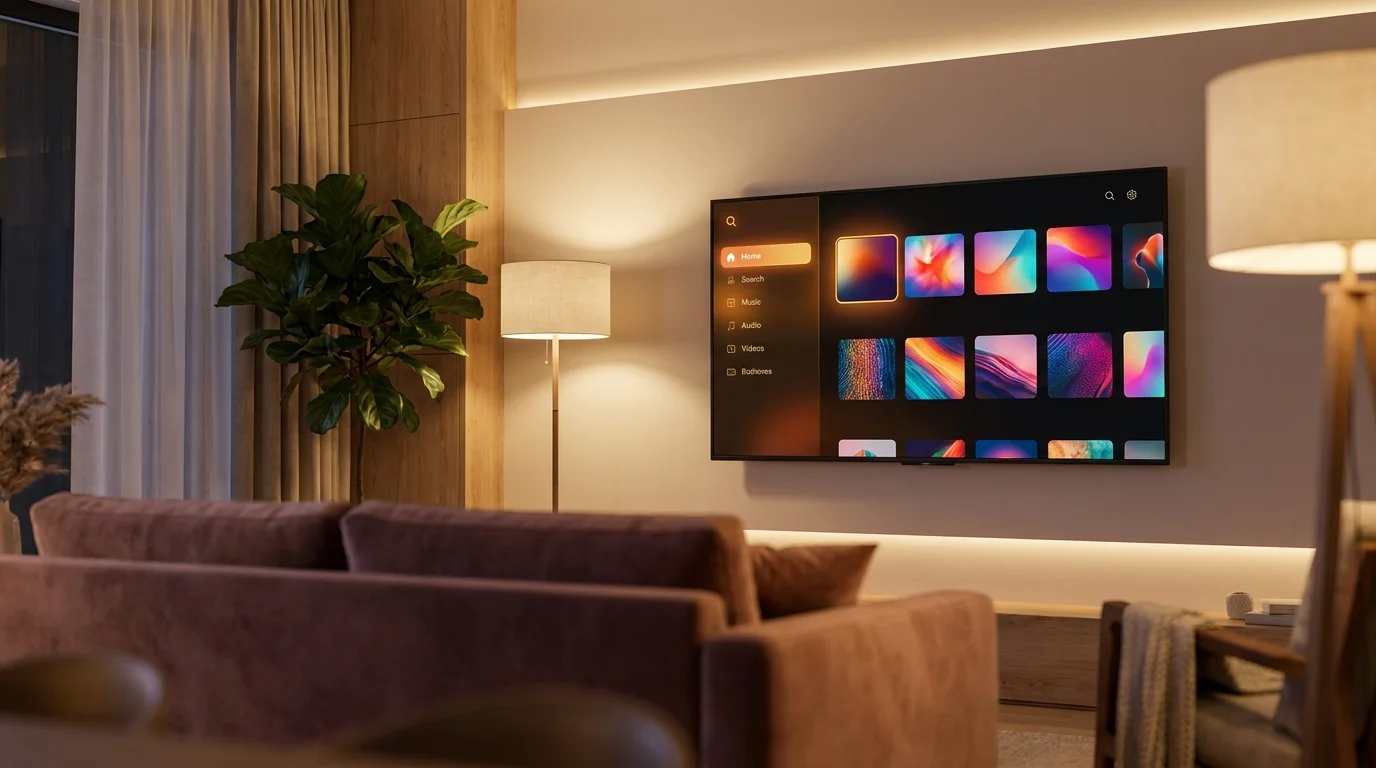
A fast, no-clutter media player for Smart TV, Fire Stick, Roku, Android & iOS. We resell the official 1-year license and activate your device instantly. Then you load and play your own playlist.
Already activated? Add your playlist →
Media player only. No channels, content or subscriptions are included. HotPlayer simply plays the playlist you supply, and is not responsible for the content you load.








Fire Stick & Android TV
Install the HotPlayer APK.
On Fire TV Stick and Android TV, install HotPlayer (V2.2) using any of these methods, then open the app to get your MAC address.
 Direct downloadapk.hotplayer.app
↗
Direct downloadapk.hotplayer.app
↗
 Downloader appCode: 395800
 ApkPureSearch “Hot player”
↗
ApkPureSearch “Hot player”
↗
 AptoideSearch “Hot player”
↗
AptoideSearch “Hot player”
↗
 Huawei AppGallerySearch “Hot player”
↗
Huawei AppGallerySearch “Hot player”
↗
Tip on Fire Stick: use the Downloader app and enter code 395800, or open apk.hotplayer.app directly.
How it works
Activated in four simple steps.
Install HotPlayer
Download the HotPlayer app on your TV or device from its official app store (links above).
Get your MAC
Open the app, go to Activation, and copy the MAC address shown on screen.
Buy & submit
Enter your MAC and email on our checkout page and pay securely for the 1-year license.
We activate it
We activate your MAC instantly, then load your own playlist and enjoy.
Features
Everything a great player should do.
Simple interface
An easy, intuitive interface anyone in the house can use.
Favorites list
Pin the playlist entries you watch most into a quick favorites list.
Quick navigate
Jump between your playlist entries by number, straight from the remote.
Instant search
Find any entry, movie, or series in your own list by keyword.
Sort your list
Order your loaded list alphabetically A-Z or Z-A in one tap.
Parental controls
Lock or hide entries behind a private PIN.
Multi-list support
Load up to 3 of your own playlists and switch between them.
Lock your MAC
Protect your activation so your playlist cannot be reset by anyone else.
Important
A media player. Nothing more.
HotPlayer operates solely as a media player application. We do not provide or sell channels, content, M3U subscriptions, or media access of any kind.
You supply your own playlist. The app developers and this store are not responsible for the content you load into HotPlayer. This store resells the HotPlayer license/activation only.
Pricing
One simple license.
HotPlayer · 1-Year License
Regular price CA$21.41
- 1 full year of activation for one device
- Works on Smart TV, Fire Stick, Roku, Android & iOS
- Instant activation after payment
- Software license only, bring your own playlist
FAQ
Frequently asked questions.
Where can I download HotPlayer?
On Roku, the Microsoft Store and the Apple App Store, install it directly from the store (links above). On Fire TV Stick and Android TV you install the APK. Get it from Direct download (apk.hotplayer.app), the Downloader app (code 395800), ApkPure, Aptoide, or Huawei AppGallery. See the "Install the HotPlayer APK" section above.
Does HotPlayer include any channels or a playlist?
No. HotPlayer is a pure media player, and it does not include any channels, content, or subscriptions. You supply your own playlist (M3U / Xtream). The license simply activates the app on your device so it can open the list you provide.
Is this a monthly subscription?
No. This is a one-time activation that lasts 1 year for your device. There is no recurring charge from us and nothing auto-renews.
How do I find my MAC address?
Open the HotPlayer app on your TV/device and go to the Activation screen, where your MAC address is shown (it looks like GN:19:A1:CD:B5:D6). You will enter it on the checkout page.
How long until my device is activated?
Activation is instant. As soon as your payment is confirmed we activate your MAC address, and you will get a confirmation by email.
What happens if I load a wrong playlist / link?
If the list is not valid, the app simply shows a message on your TV letting you know. Just load a working list of your own. The content you load is always your responsibility.
Ready to activate HotPlayer?
Grab your MAC address from the app, enter it at checkout, and we will activate your device instantly. Then just load your own playlist.
Get Your 1-Year License →